%20--%3e%3csvg%20width='42mm'%20height='64mm'%20viewBox='0%200%2041.999999%2064.000001'%20version='1.1'%20id='svg1'%20xml:space='preserve'%20inkscape:version='1.4.4%20(dcaf3e7d9e,%202026-05-05)'%20sodipodi:docname='adkumo-cards-color.svg'%20xmlns:inkscape='http://www.inkscape.org/namespaces/inkscape'%20xmlns:sodipodi='http://sodipodi.sourceforge.net/DTD/sodipodi-0.dtd'%20xmlns='http://www.w3.org/2000/svg'%20xmlns:svg='http://www.w3.org/2000/svg'%3e%3csodipodi:namedview%20id='namedview1'%20pagecolor='%23ffffff'%20bordercolor='%23000000'%20borderopacity='0.25'%20inkscape:showpageshadow='2'%20inkscape:pageopacity='0.0'%20inkscape:pagecheckerboard='0'%20inkscape:deskcolor='%23d1d1d1'%20inkscape:document-units='mm'%20inkscape:zoom='1.4142136'%20inkscape:cx='57.275649'%20inkscape:cy='123.39013'%20inkscape:window-width='1854'%20inkscape:window-height='1011'%20inkscape:window-x='66'%20inkscape:window-y='32'%20inkscape:window-maximized='1'%20inkscape:current-layer='g6528'%20/%3e%3cdefs%20id='defs1'%20/%3e%3cg%20inkscape:label='Layer%201'%20inkscape:groupmode='layer'%20id='layer1'%20transform='translate(-223.82077,-58.584489)'%3e%3cg%20id='g6528'%20transform='translate(9.9863014,0.36985863)'%3e%3crect%20style='fill:%239a5bfd;fill-opacity:1;stroke-width:0.229954'%20id='rect1'%20width='20'%20height='20'%20x='213.83447'%20y='58.21463'%20ry='5'%20/%3e%3crect%20style='fill:%239a5bfd;fill-opacity:1;stroke-width:0.229953'%20id='rect1-8'%20width='20'%20height='20'%20x='235.83447'%20y='102.21463'%20ry='5'%20/%3e%3crect%20style='fill:%23fd3c80;fill-opacity:1;stroke-width:0.229953'%20id='rect1-1'%20width='20'%20height='20'%20x='213.83447'%20y='80.21463'%20ry='5'%20/%3e%3crect%20style='fill:%23fd8902;fill-opacity:1;stroke-width:0.229953'%20id='rect1-1-0'%20width='20'%20height='20'%20x='213.83447'%20y='102.21463'%20ry='5'%20/%3e%3crect%20style='fill:%2305e09b;fill-opacity:1;stroke-width:0.229953'%20id='rect1-1-6-7'%20width='20'%20height='20'%20x='235.83447'%20y='58.21463'%20ry='5'%20/%3e%3crect%20style='fill:%23307eeb;fill-opacity:1;stroke-width:0.229953'%20id='rect1-1-6-7-4'%20width='20'%20height='20'%20x='235.83447'%20y='80.21463'%20ry='5'%20/%3e%3c/g%3e%3c/g%3e%3c/svg%3e)
Looking for a Canva Alternative for Ads? 6 Honest Options
Leaving Canva for ad creative? An honest, third-party breakdown of 6 alternatives in 2026, what each is best for, with pricing, pros and cons, and ratings.
Canva is the default for a reason. It is approachable, it is cheap, and almost everyone on a marketing team already knows how to use it. I have set it up for plenty of clients and I still recommend it for a lot of jobs. But when the conversation turns specifically to ads, the same frustrations come up again and again, and that is usually when someone asks me what else is out there.
When people tell me they are leaving Canva for ad work, it almost always comes down to this:
- It is a design tool, not an ad tool. Canva makes a beautiful graphic, but it has no concept of ad performance, no proven-ad library, and no idea whether the thing you just made will convert.
- The output starts to look the same. When everyone uses the same templates and the same Magic AI layer, your ads blend into the feed instead of standing out in it, which is a big part of why so many Meta ads now look AI-generated.
- It stops at export. There is no native way to push a finished creative to Meta or LinkedIn. You download, then re-upload somewhere else, every single time.
I am a growth consultant, not a vendor, so I have no horse in this race. Below are six genuine Canva alternatives I would actually point a client to in 2026 for ad creative, what each one is really best at, and the honest trade-offs. I added a soft note at the end about a newer tool worth knowing if launching is your bottleneck, but the bulk of this is about the established options.
Microsoft Designer: free AI graphics if you live in Microsoft 365
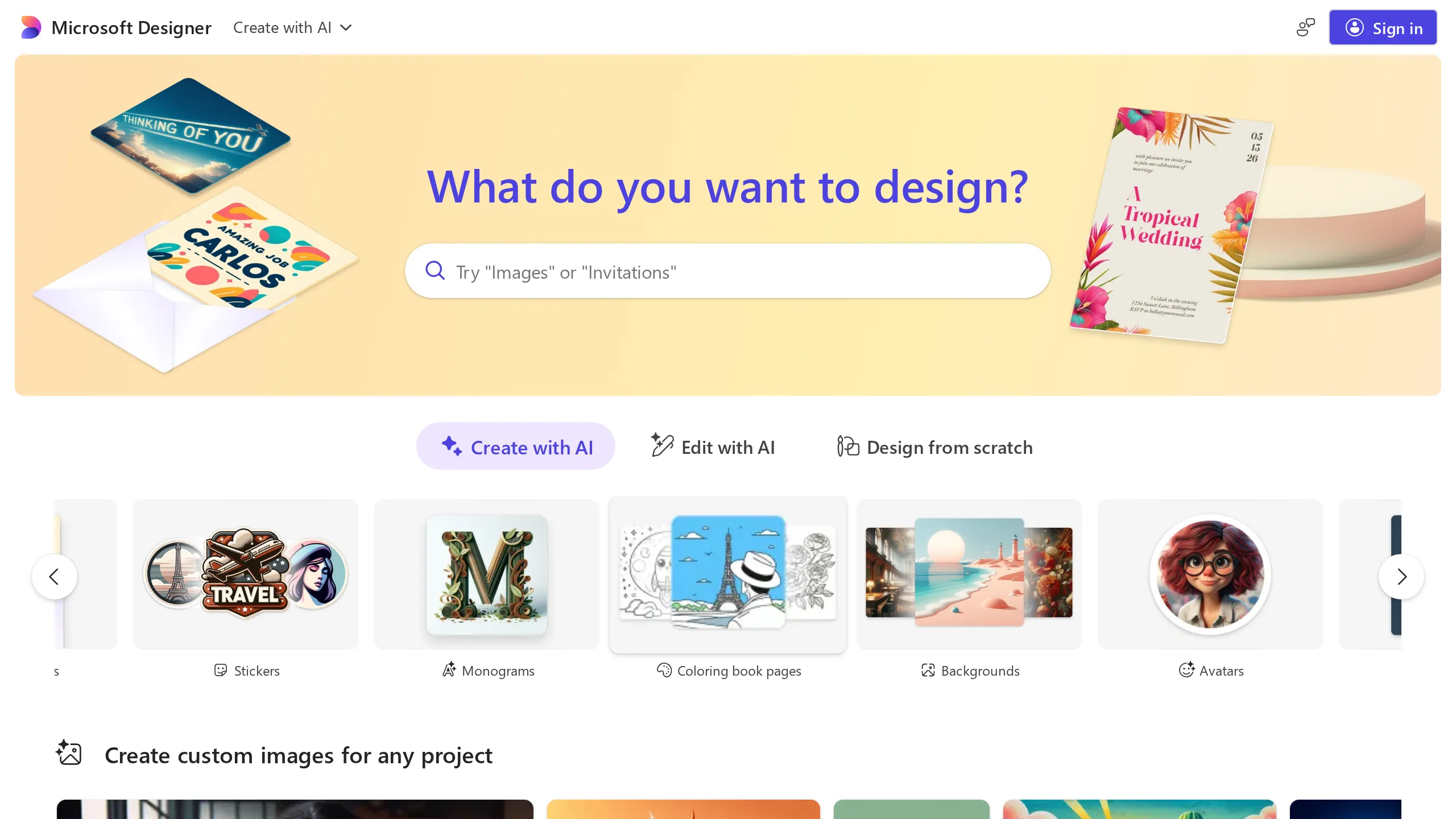
Microsoft Designer is Microsoft's free, AI-powered design app, and the one I point people to when they already pay for Microsoft 365 and want quick social and ad graphics without another subscription. It leans hard on AI, you describe what you want and it generates images and design ideas, and it covers the same quick-graphic ground as Canva. It is part of the broader Microsoft 365 and Copilot ecosystem, so it ties into the apps your team likely already uses.
Best for. Marketers already inside Microsoft 365 who want free, AI-first social and ad graphics and are happy letting AI do most of the heavy lifting.
The honest catch. It is newer than Canva and it shows. The template library is noticeably shallower, brand-kit support is thin, and it is built to live inside the Microsoft ecosystem rather than stand on its own. As a general design app, it also has no conversion scoring, no library of proven ads to start from, and no native launch to Meta or LinkedIn. The upside is the price, it is genuinely free with a Microsoft account, with extra AI credits if you already subscribe to Microsoft 365.
AdCreative.ai: built for ad performance, not design
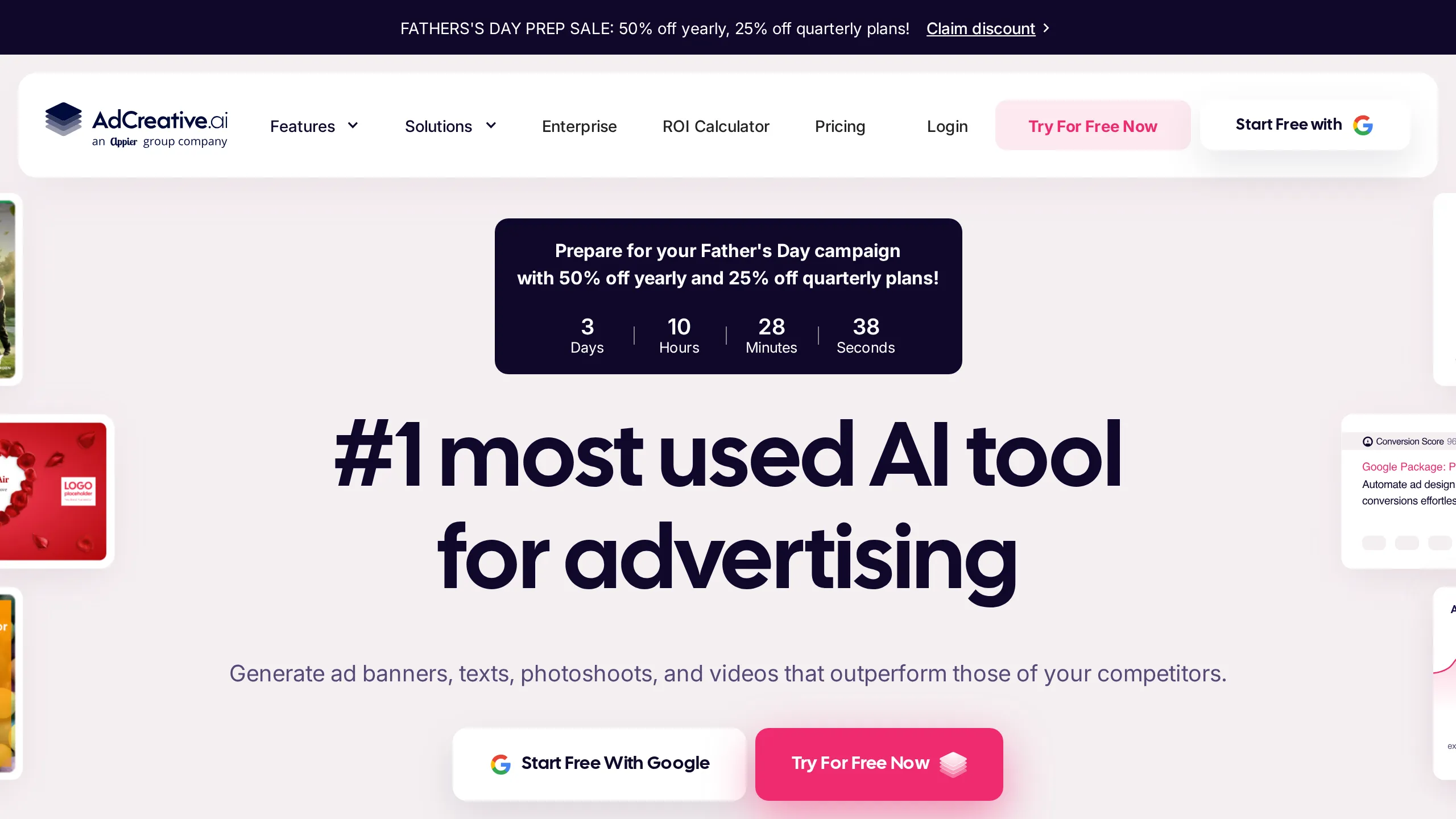
Reach for this one when the deliverable is ads, not generic graphics. Hand it your product and brand and it churns out banners, headlines, product shots, and short videos in bulk, slapping a predicted Conversion Score on each so you get an early read on what might land. Finished assets can fire off to Meta and Google Ads from inside the app. It has become the default name in this space, which is why I wrote a separate rundown of AdCreative.ai alternatives for anyone who has outgrown it.
Best for. Performance marketers who need a high volume of static and banner variants fast, and who like having a per-asset performance signal to triage from.
Where it struggles. Two gripes keep surfacing. Volume comes at the cost of sameness, and after a few hundred outputs the work starts to rhyme. The other is money. Billing runs on credits, the higher tiers crept up to several hundred dollars a month through 2026, and the review split tells the story, sitting near 4.3 on G2 yet closer to 3.6 on Trustpilot, almost entirely because of unexpected charges and refund fights. There is also no LinkedIn launch and no concept of starting from a proven ad.
Creatify.ai: best for fast AI video ads
When short-form video dominates your mix and Canva feels too hands-on for it, Creatify is the shortcut. Drop in a product link or a few lines of description and it assembles a finished video ad, avatar presenter, captions, and overlays included, drawing from a roster of hundreds of presenters across a wide spread of languages. From there you can spin off variants, run its A/B tests, and ship straight to Meta and TikTok.
Best for. Dropshippers, e-commerce stores, and anyone who needs UGC-style video ads quickly without filming anything.
The trade-offs. It is video-first, so it does little for the static and social-native side of your mix, and there is no proven-ad-adoption workflow. Credit consumption burns faster than you expect, which shows up in the refund complaints, though it still rates well overall, around 4.8 on G2. Pricing starts around 19 dollars a month for Starter and 49 for Pro. And like most of this list, there is no LinkedIn launch.
Recraft: best for designers who need vectors and clean text

Recraft earns the nod whenever a designer is fed up that most AI image tools spit out flat pixels you cannot reopen. Give it a prompt and it returns raster art, true vector graphics, icons, and mockups, with style references and brand-color locking to keep a run of assets on look. The headline feature, honestly, is how well it renders type, which counts for a lot when a campaign needs the copy fused into the image instead of pasted over the top later.
Best for. Designers and brand-conscious marketers who want clean vector assets, reliable on-image text, and an infinite-canvas workflow that feels Figma-like.
Where it falls short for ads. Recraft makes assets, it is not a place you run campaigns from. Nothing here scores conversions, nothing starts from a proven ad, and nothing ships to Meta or LinkedIn. It can also wobble on dense, multi-layer compositions, and a handful of reviewers flag mobile glitches. The plus side is the price, a usable free tier with paid plans from roughly 10 dollars a month, and a healthy 4.7 on G2.
Snappa: the simple, non-designer graphics tool
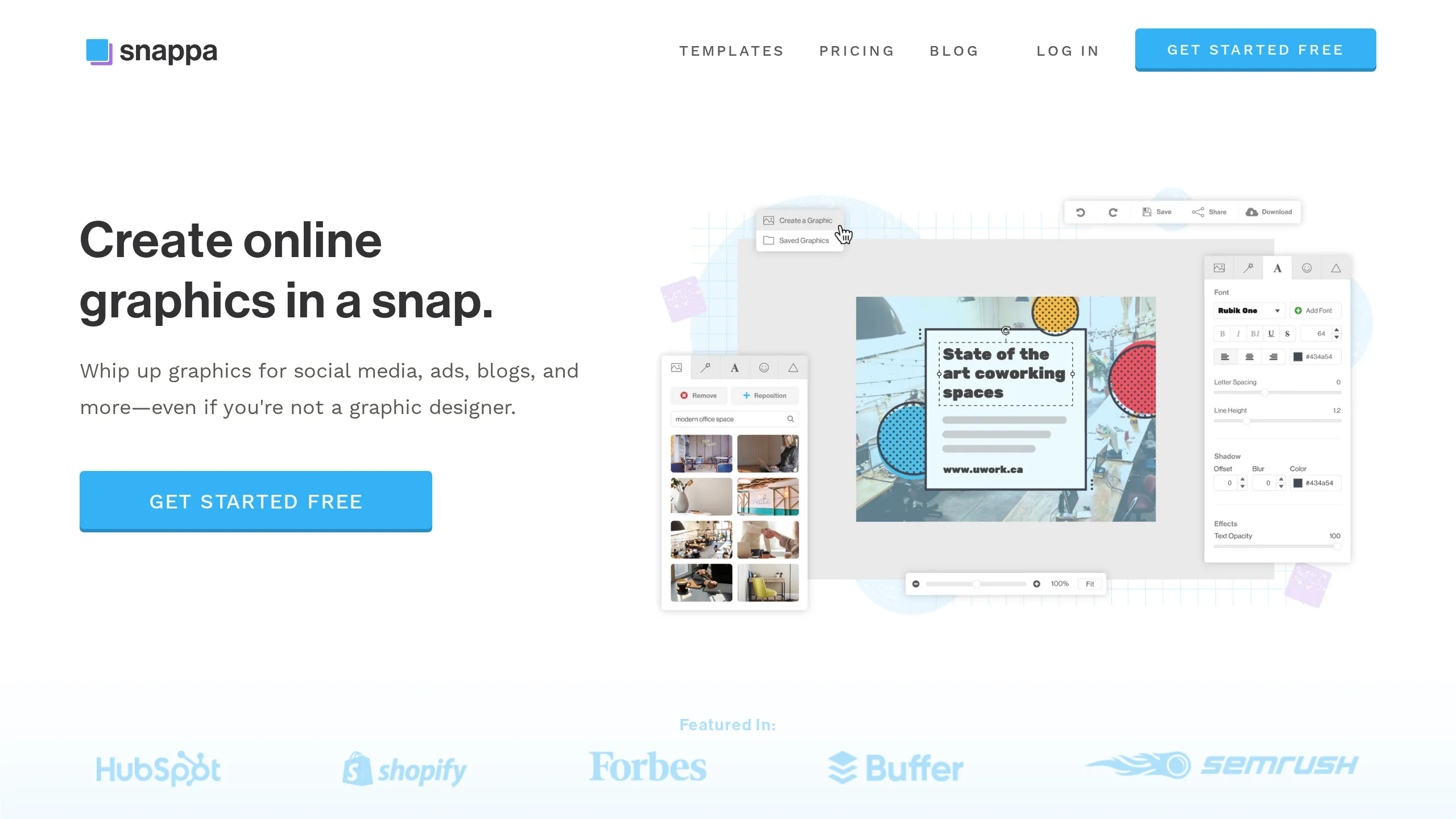
Snappa is the one I point cost-conscious, non-designer clients to, and if you have ever wondered whether you even need a designer to run ads, this is the kind of tool that says no. It is a deliberately simple online graphics tool for social media, ads, and blog images, built so people without any design background can ship a clean graphic fast. You get thousands of templates, millions of royalty-free stock photos and graphics, and a drag-and-drop editor that does not overwhelm. If you liked Canva mostly for getting something decent out the door quickly, this lands in the same place.
Best for. Small business owners and solo marketers who want an affordable, no-frills tool to produce social and ad graphics without a learning curve.
Where it falls down for ads. It is lighter and less powerful than Canva by design, with a smaller asset library and fewer advanced features. As a general design tool it also has no conversion scoring, no proven-ad library, and no native launch to Meta or LinkedIn. The trade-off is simplicity and price. There is a free tier, though it is capped at three downloads a month, and Pro is a flat 10 dollars a month, with a 4.5 rating across hundreds of reviews.
Simplified: the all-in-one marketing workspace
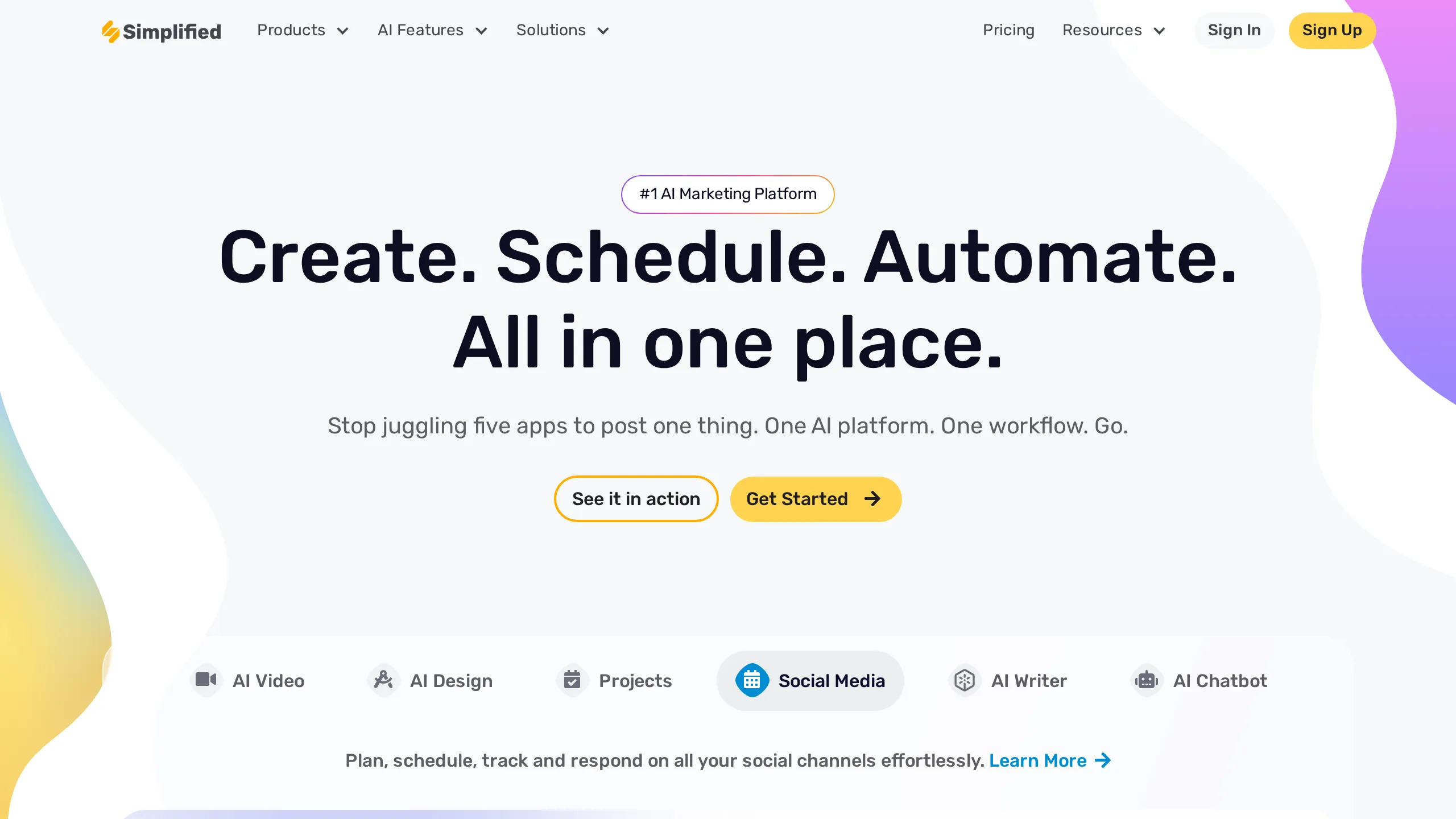
Simplified is what I suggest when someone wants to collapse three subscriptions into one. It bundles design, AI writing, video editing, and social scheduling into a single app with a shared credit pool, so the same workspace that drafts your ad copy also lays out the creative and schedules the post. For a lean team juggling tools, that consolidation is the real draw.
Best for. Small marketing teams that want design, copy, video, and publishing in one place rather than stitching Canva together with a writing tool and a scheduler.
The honest catch. Doing many things means it is not the deepest at any one of them, and the shared credit system runs out faster than people expect, which is the most common gripe. It also has no proven-ad library and no conversion scoring. Pricing starts around 24 dollars a month for the Small Team plan, and it rates well overall, around 4.6 on G2 across thousands of reviews.
The side-by-side
Same six tools, one table. If ads are the job, the ad-performance focus and the launch path are the columns I would weigh most heavily.
| Tool | Best for | Ad performance focus | Pricing | Rating |
|---|---|---|---|---|
| Microsoft Designer | Free AI graphics inside Microsoft 365 | Low (general design) | Free (MS account) | AI-first, newer |
| AdCreative.ai | Bulk ad variants with a score | High (built for ads) | ~$39/mo and up | G2 4.3 / TP 3.6 |
| Creatify.ai | Quick AI video ads | High (video ads) | Free / ~$19/mo | G2 4.8 |
| Recraft | Vector assets and clean text | Low (asset generation) | Free / ~$10/mo | G2 ~4.7 |
| Snappa | Simple graphics for non-designers | Low (general design) | Free / ~$10/mo | ~4.5 |
| Simplified | All-in-one marketing workspace | Medium (design plus copy) | ~$24/mo | G2 ~4.6 |
Which one should you actually pick?
There is no single best Canva alternative for ads, only the best one for how you work. Here is how I steer clients.
- You live in Microsoft 365 and want free, AI-first graphics. Microsoft Designer.
- You want ads specifically, at volume, with a performance score. AdCreative.ai.
- You live in short-form video and want it fast. Creatify.ai.
- You are a designer who needs editable vectors and legible on-image text. Recraft.
- You want a simple, cheap tool with no learning curve. Snappa.
- You want design, copy, video, and scheduling in one app. Simplified.
The bottom line
Every tool on this list is a solid step up from Canva for some specific job. What none of them solves is the part that actually slows most teams down once the creative is made: getting it live. You still design in one place, then export, then re-upload to Meta or LinkedIn by hand, and you are still starting every ad from a blank canvas rather than from something proven to work.
That is the one gap worth flagging. If launching is what really slows you down, not the designing, then it is worth knowing that Adkumo comes at the problem from a different angle. Rather than open a blank canvas, you start from a curated shelf of ads that have already earned their keep, make one your own with a click, and send it out on-brand without the export-then-reupload shuffle. If that order of operations sounds closer to how you want to work, it is worth a look. If not, pick whichever of the six above fits your workflow and get back to shipping.