Brand kit
The Brand Kit is where you manage your brand DNA: the strategy, voice, and visual identity every ad creative inherits. It's organized into five tabs — Brand Profile, Text, Image, Files, and Knowledge Bits.
Brand Profile
The Brand Profile tab captures your brand story and strategy — the positioning every creative is built around.
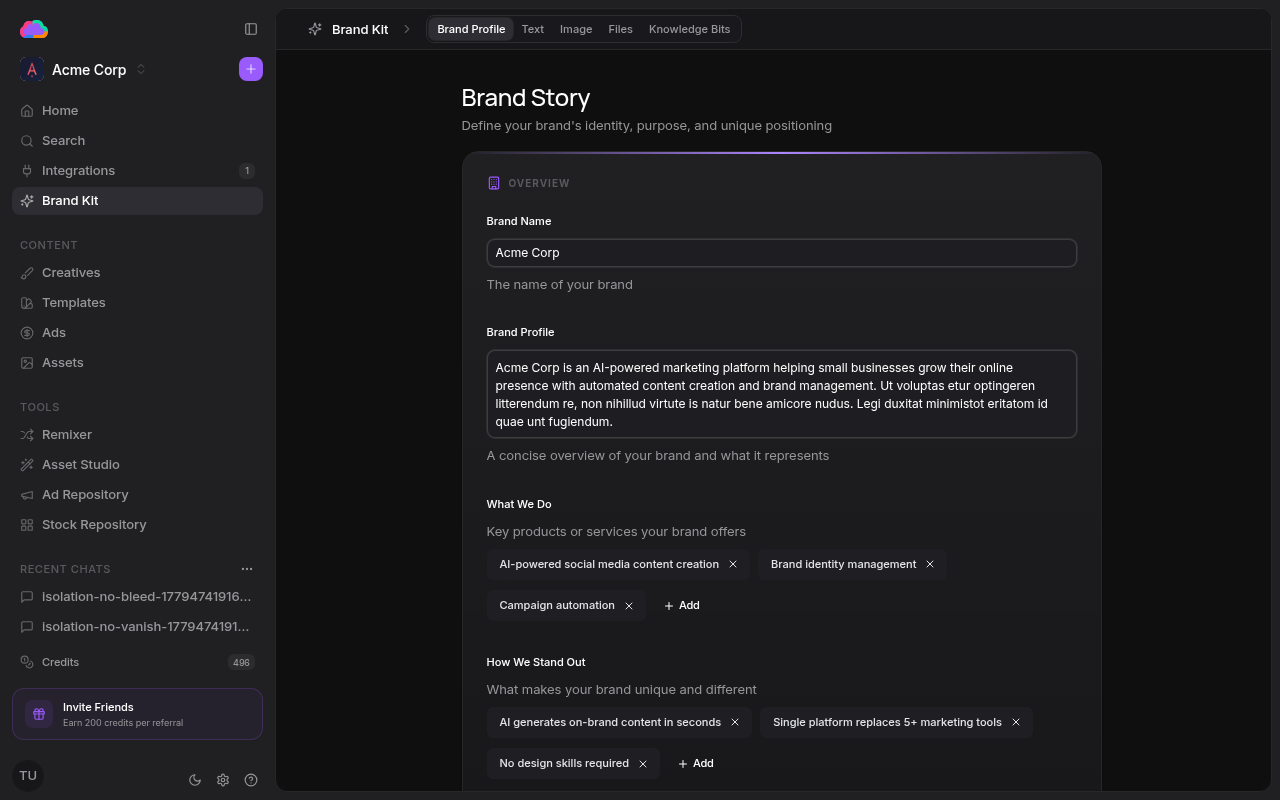
This tab includes:
- Overview — Brand name, a concise description, what you do, and how you stand out
- Mission & Vision — Your company's purpose and long-term direction
- Target Market — The market and segments you're going after
- Audience — Who you're speaking to
- Business Context — Background that grounds every generation in your reality
Text
The Text tab defines your brand voice — how the AI writes ad copy for you. Tune language, tone, formality, personality, point of view, writing style, audience level, and emoji usage, then maintain a brand dictionary of preferred vocabulary and words to avoid.
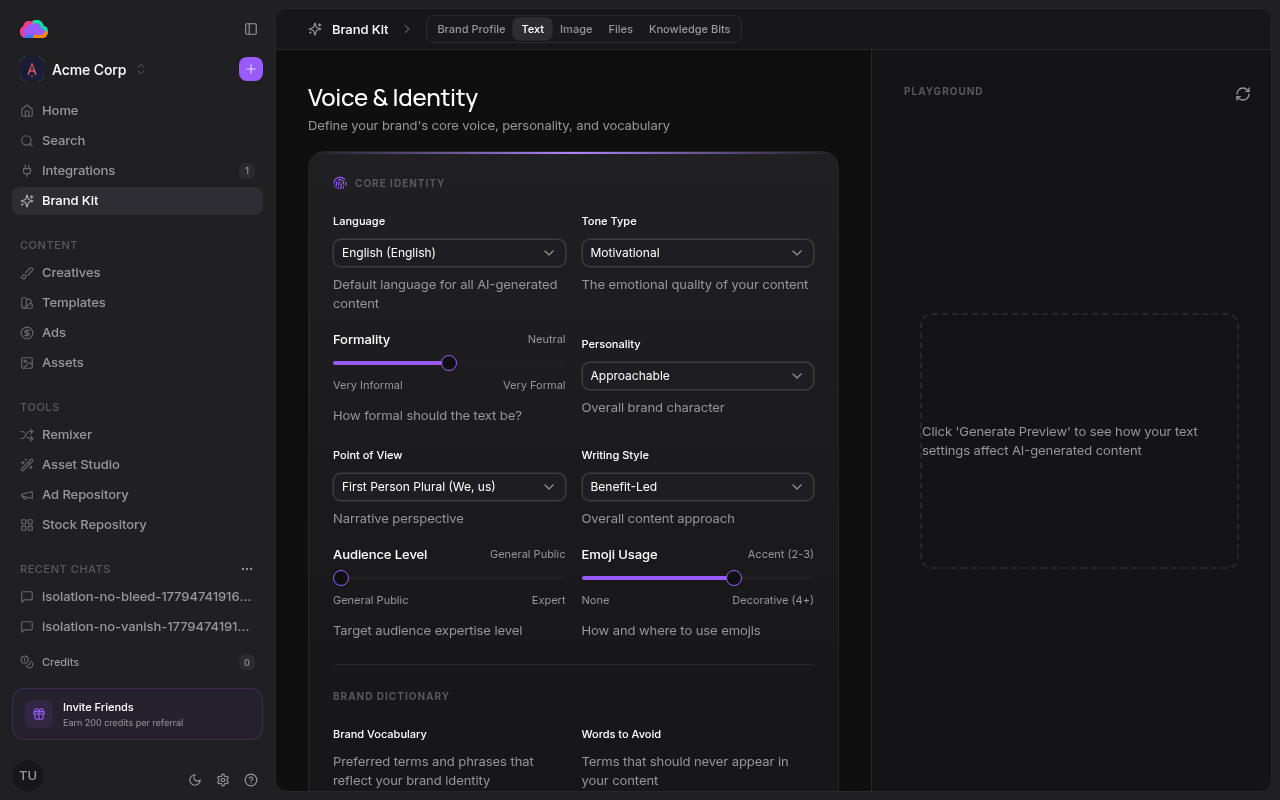
Use the Playground on the right to preview how your voice settings shape generated ad copy before they apply across every creative you ship.
Image
The Image tab holds your visual identity — the colors, logos, and fonts every creative pulls from.
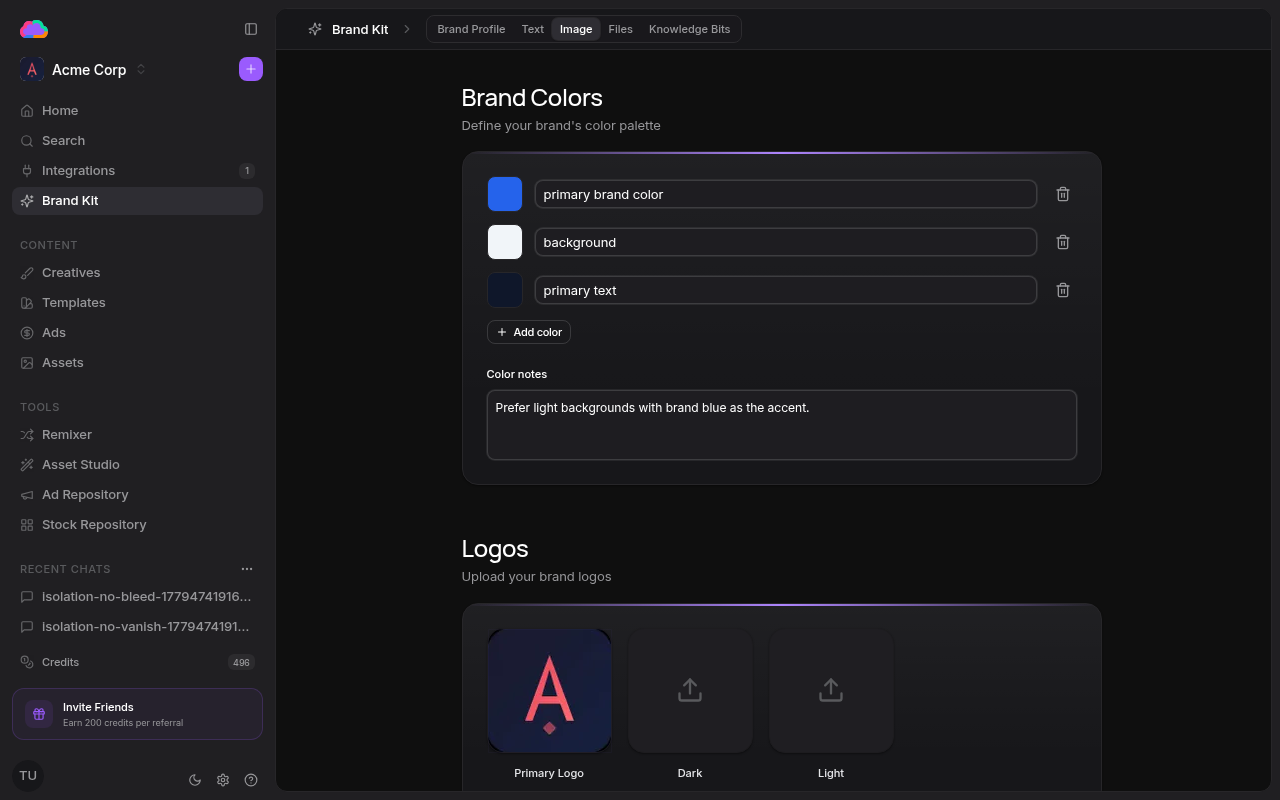
This tab includes:
- Brand Colors — Your palette, each swatch labelled (primary brand color, background, primary text), with free-form color notes
- Logos — Primary, dark, and light logo variants
- Typography — Heading and body type
- Custom Fonts — Upload your own font files
Files
The Files tab stores brand documents — briefs, guidelines, and reference material the AI can draw on. Upload PDFs and other files, then search them from the table. See Documents for details.
Knowledge Bits
The Knowledge Bits tab holds reusable, structured facts about your brand — categorized snippets like company background, product features, and brand values that the AI reuses across creatives. See Knowledge bits for details.