Managing brands
A brand in Adkumo is the DNA every ad creative inherits. It stores your visual identity, tone of voice, and generation preferences — so every remix, every variant, and every fresh creative is automatically on-brand.
Creating a brand
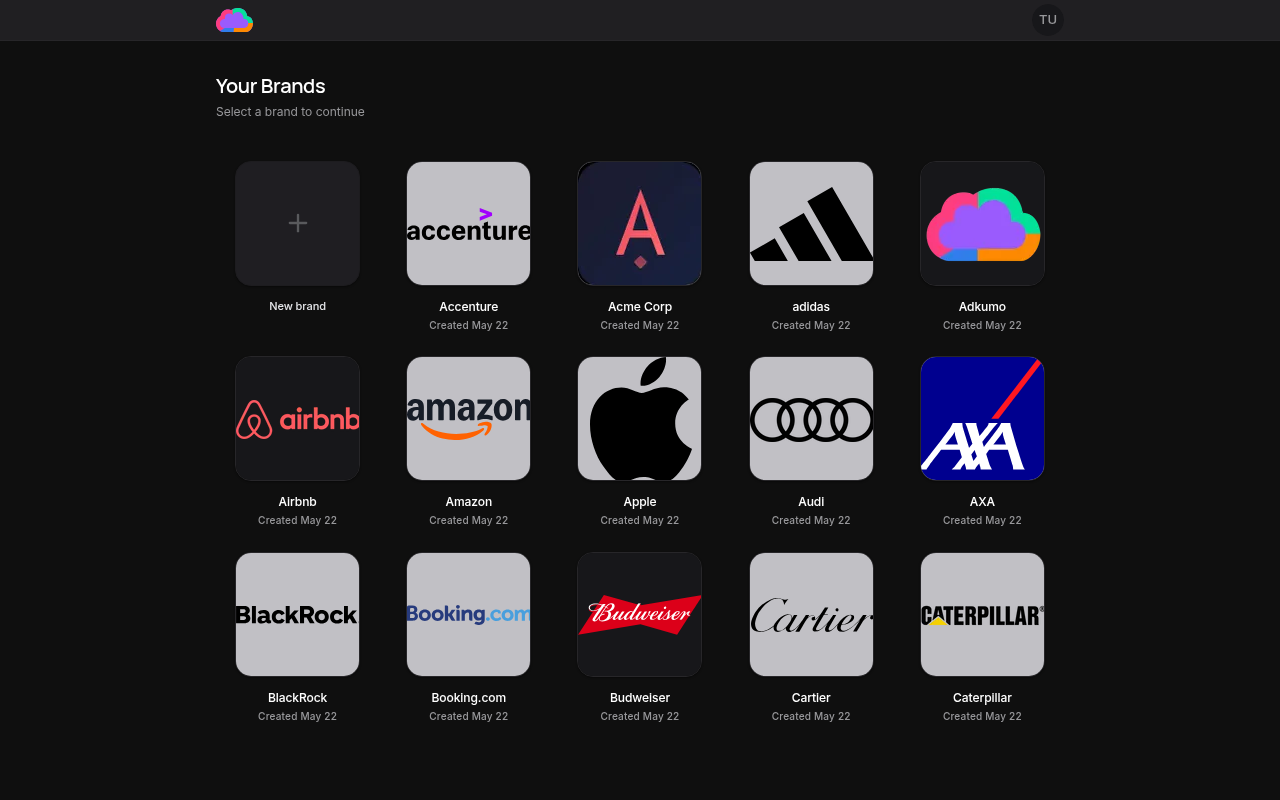
Navigate to My Brands from the top-level nav and click New brand. You'll be prompted for a brand name and a website URL. Adkumo scrapes the site to populate your brand kit automatically — logo, colors, voice, industry signals — in about 30 seconds.
Point the scraper at a page that prominently shows your logo and brand colors. Your homepage usually works perfectly. You can still refine everything afterwards.
After the scrape finishes, Adkumo walks you through the Brand review wizard to confirm and fill in the rest of the brand DNA.
The Brand Kit
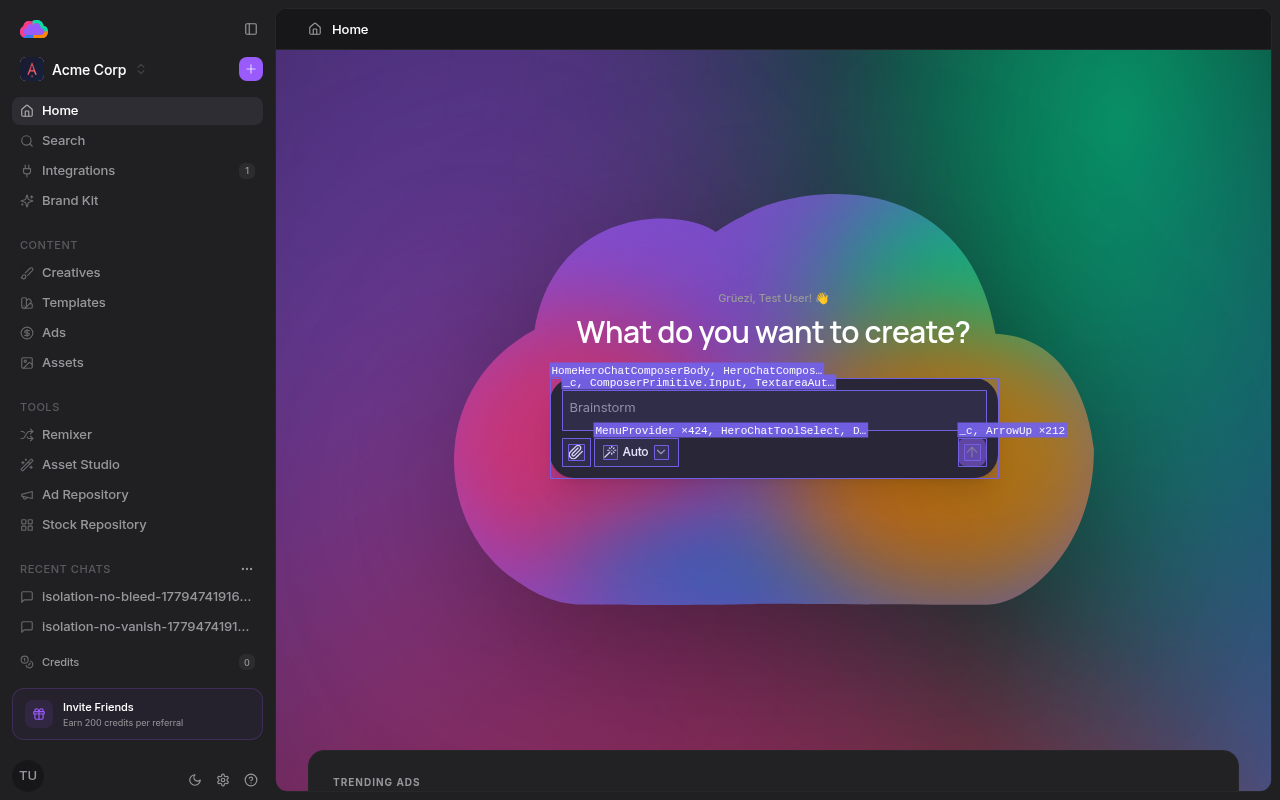
Once your brand is set up, the Brand Kit is the single place where you manage its DNA. It has five tabs:
- Brand Profile — Brand story, mission and vision, target market, audience, and business context
- Text — Voice and tone settings plus a playground for testing ad copy generation
- Image — Brand colors, logos, typography, and custom fonts
- Files — Brand documents and reference material
- Knowledge Bits — Reusable, categorized facts about your brand
Everything you edit here flows into every creative Adkumo generates.
Switching brands
Open the brand dropdown in the top-left of the sidebar to switch between brands. Each brand keeps its own creatives, assets, documents, and ad campaigns — so you can manage a portfolio or an agency roster without cross-contamination.
Deleting a brand
On the My Brands page, open the card menu (three dots) on the brand you want to remove and choose Delete brand. You'll be asked to confirm, then the brand and all its creatives, assets, documents, and ad integrations are permanently removed.
Brand deletion is irreversible. Export any creatives or assets you want to keep before deleting.
Next steps
Once your brand DNA is dialed in, open the Ad Repository to research the market, then ship your first creative via the Quick start guide.