Brand review
The brand review wizard guides you through seven steps to fully configure your brand DNA. Each step locks in a specific aspect — from your logo to your text preferences — so Adkumo has everything it needs to generate on-brand ad creative.
You can skip steps and return to them later. The progress bar at the top shows which steps are complete.
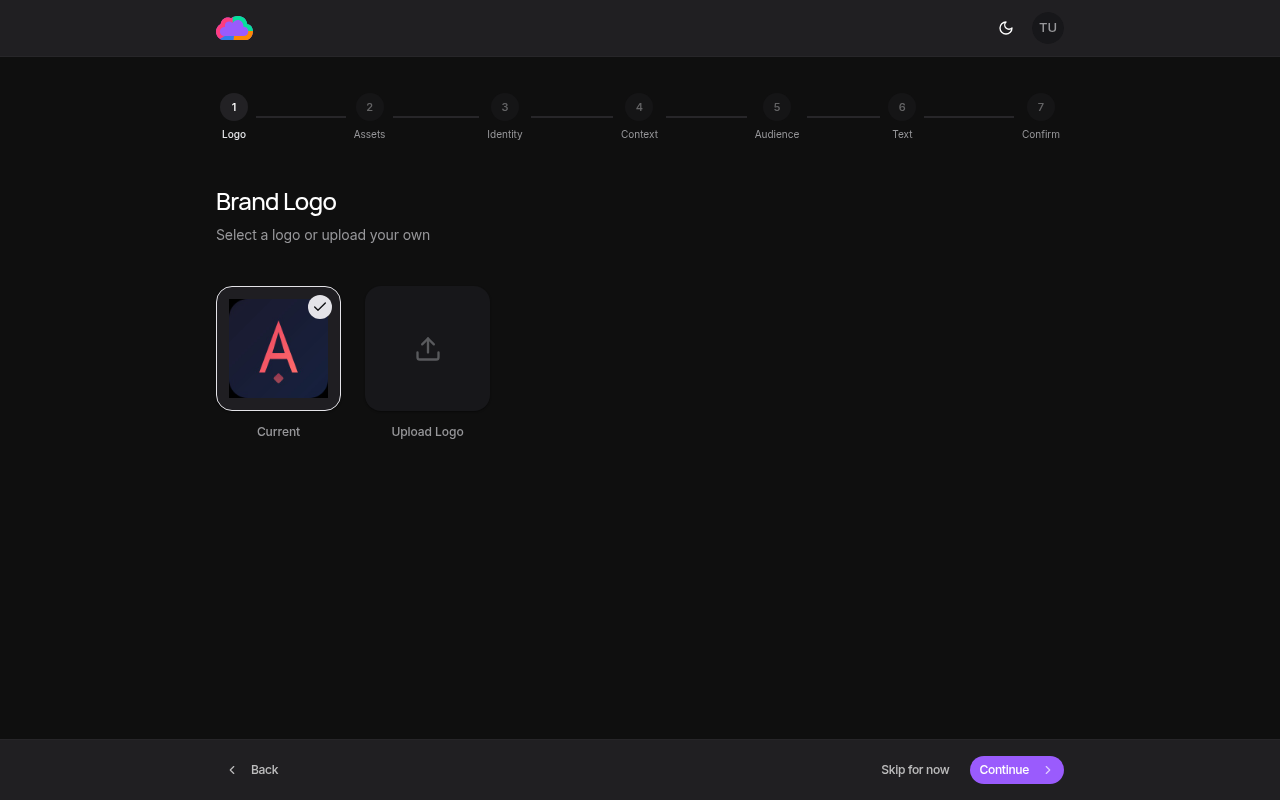
Step 1: Logo selection
Choose your primary brand logo. Adkumo applies it across every generated ad creative and template.
Step 2: Assets
Review the assets that were imported during brand creation. You can add or remove images that the AI will use as reference material.
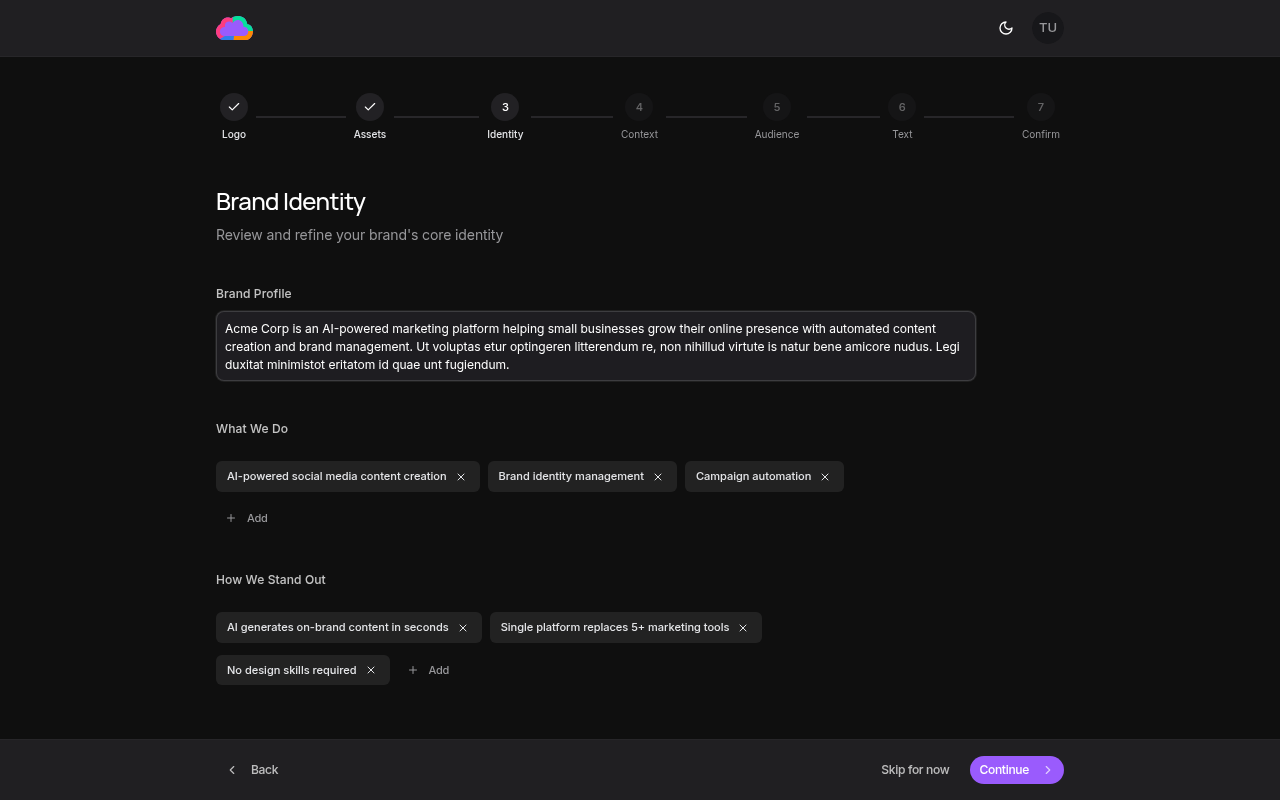
Step 3: Identity
Define your brand story, what you do, and how you stand out. This context shapes the AI's understanding of your brand positioning.
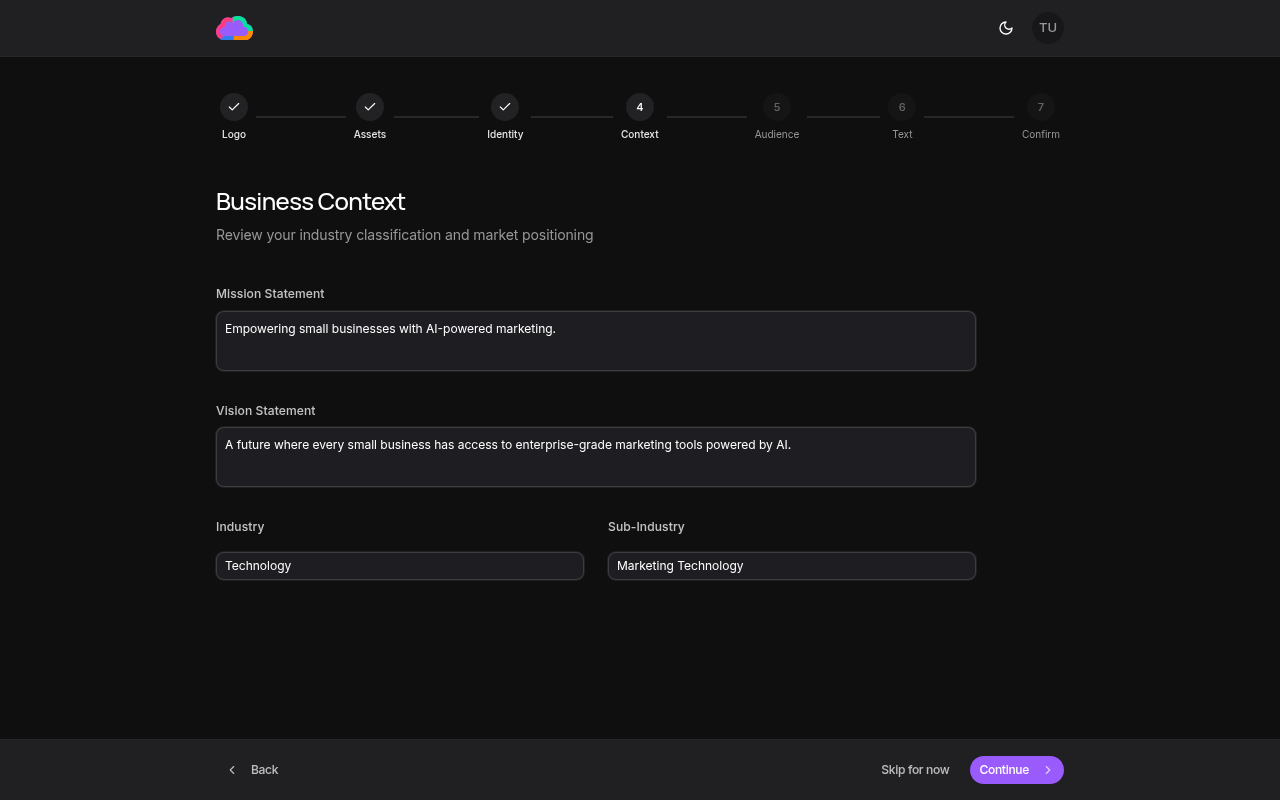
Step 4: Context
Set your business context including mission, vision, industry, and company details. This information grounds the AI's content generation in your real-world business.
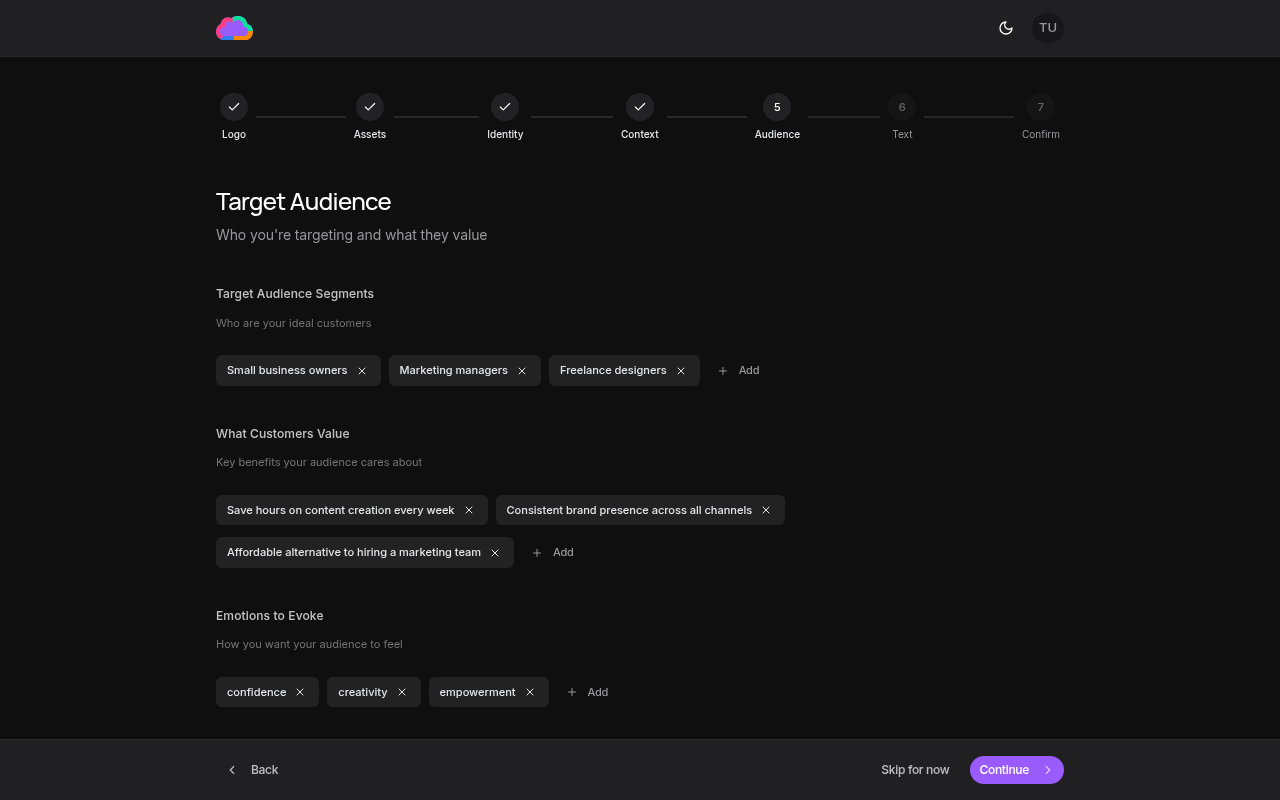
Step 5: Audience
Define your target audience segments, their values, and the emotions you want to evoke. The AI uses this to tailor messaging and tone.
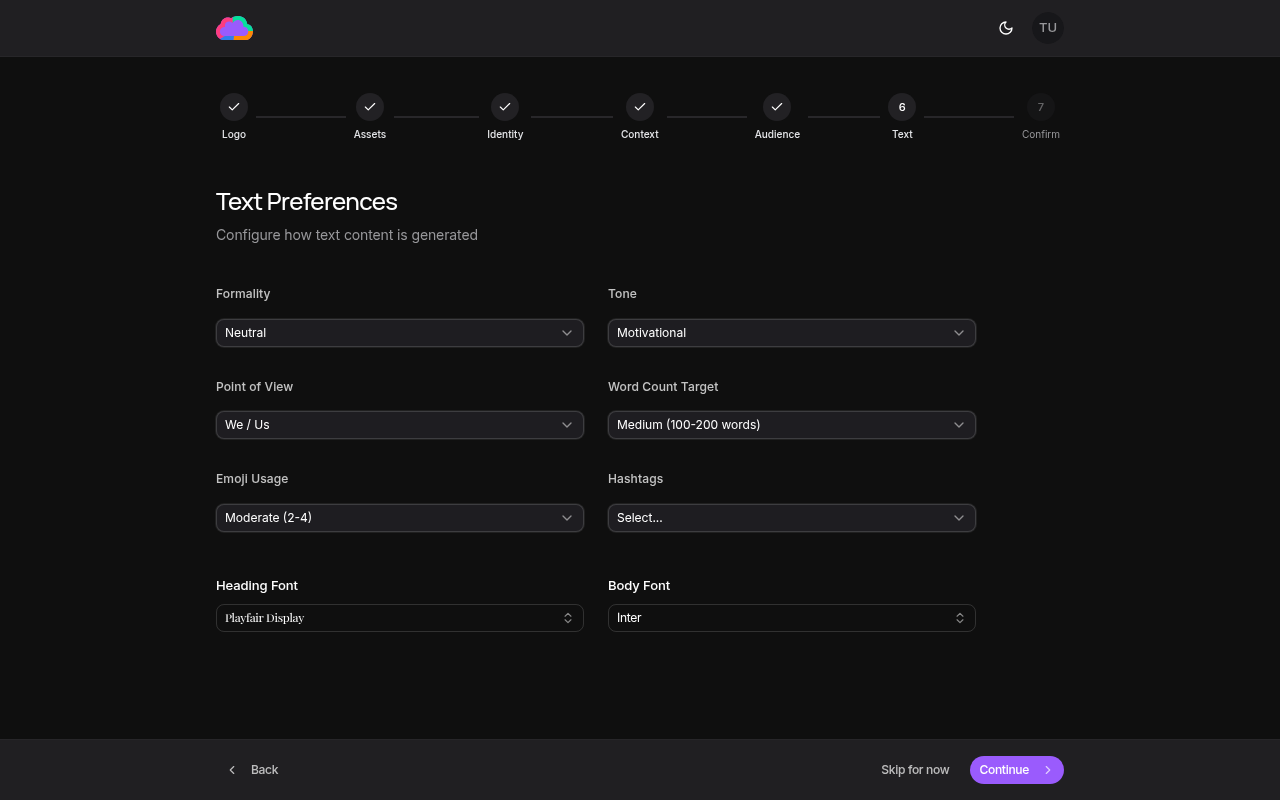
Step 6: Text preferences
Configure how your ad copy reads — formality, tone, point of view, word count target, emoji usage, hashtags, and heading and body fonts.
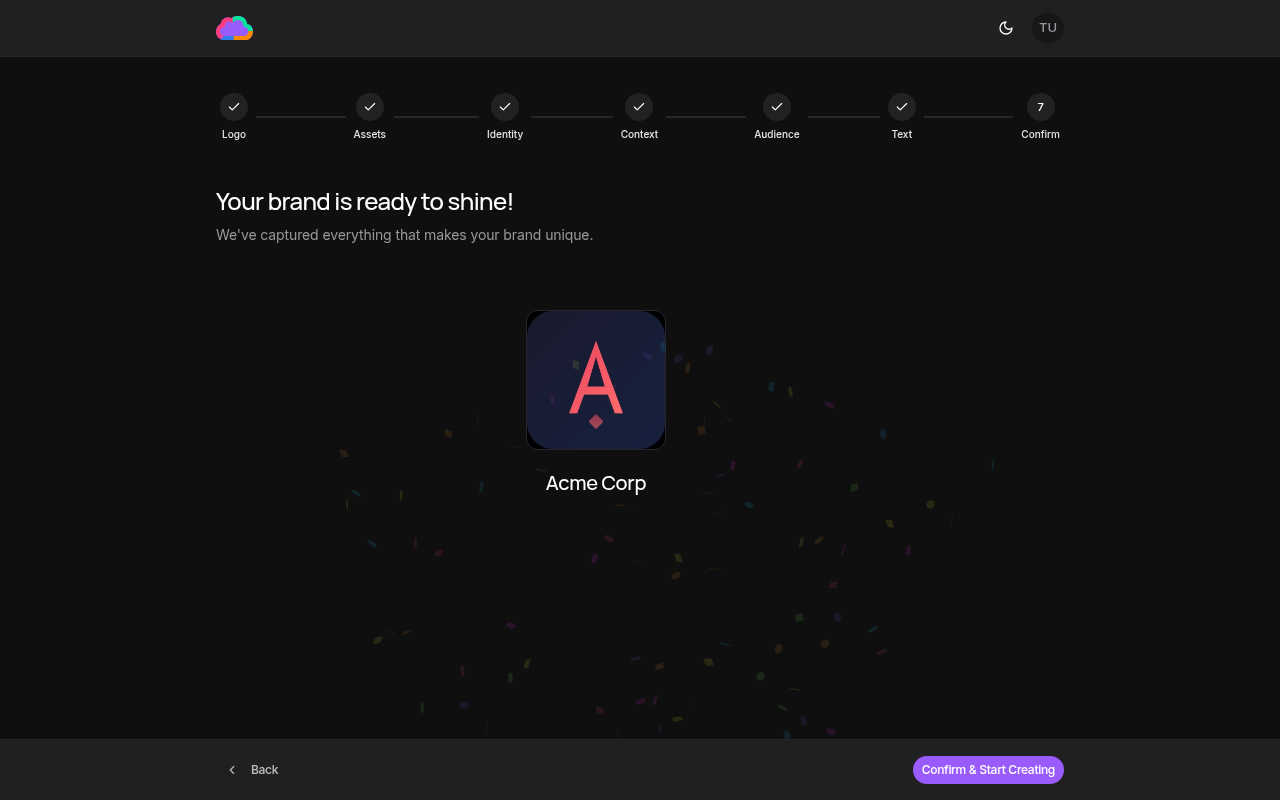
Step 7: Confirmation
Review all your settings and confirm your brand configuration. You can go back to any previous step to make changes.
After confirming, you can always update individual settings from the Brand Kit page without going through the full review again.