Account & preferences
The settings area lets you manage your account security, profile information, app preferences, and subscription. Access it by clicking your avatar in the bottom-left corner of the sidebar and selecting Settings, or navigate directly to /settings/account.
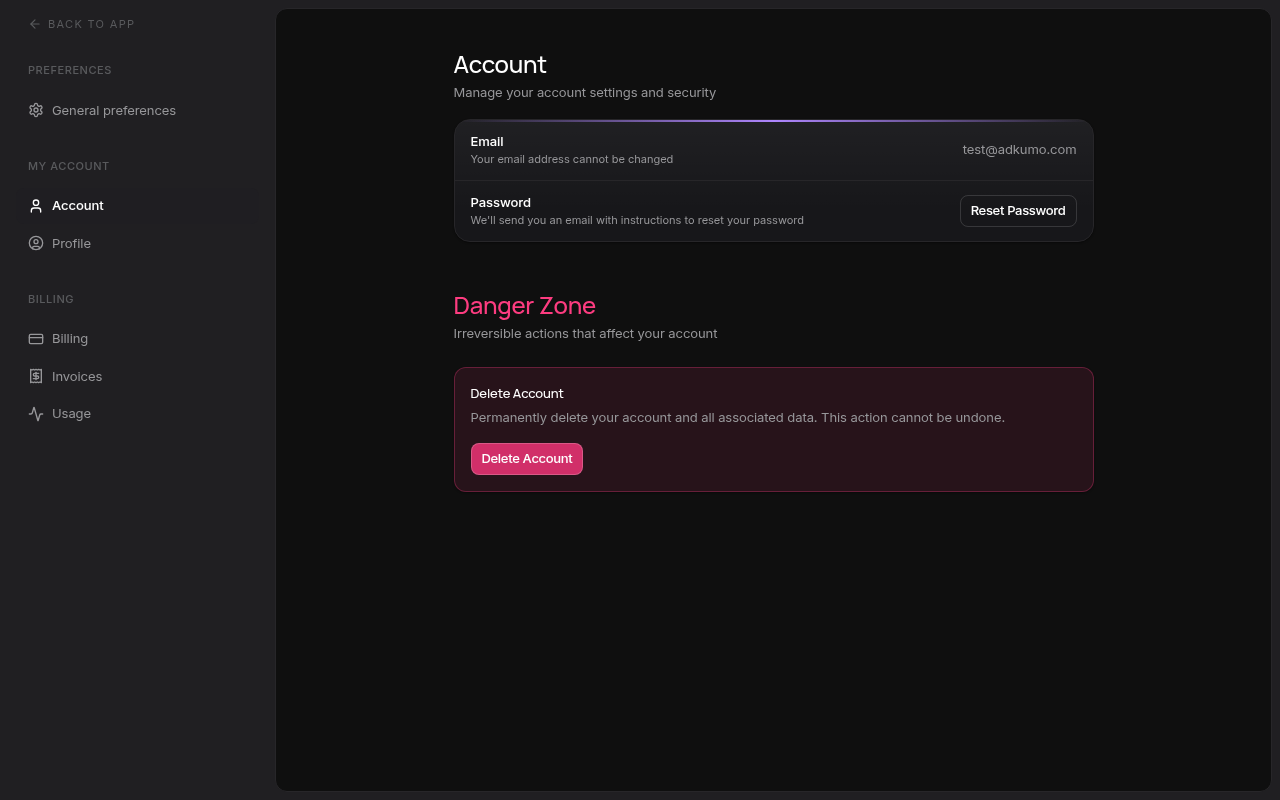
Settings sections
Billing and plans
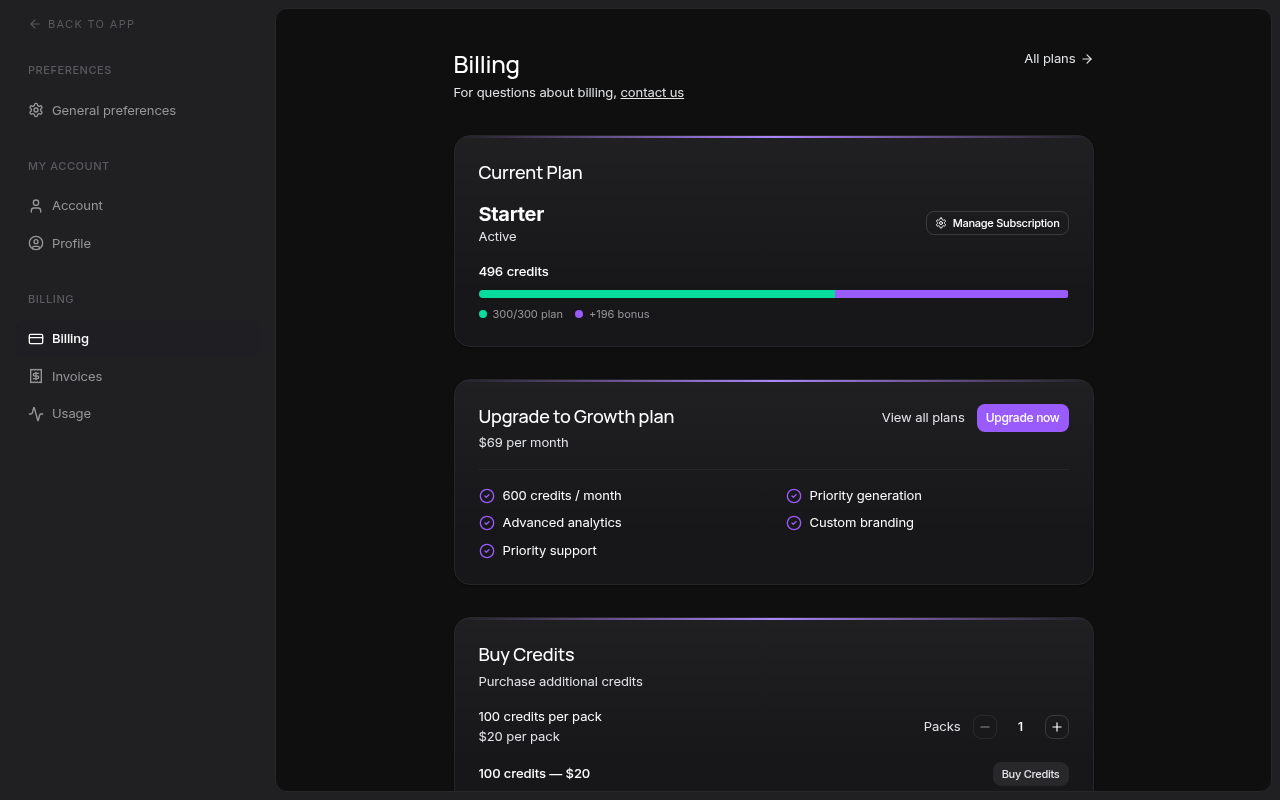
Adkumo bills by monthly credits. Each AI operation — remix, asset generation, logo edit, publish — consumes credits from your balance. Plans range from:
- Free — A one-time allotment of credits to try Adkumo, no card required
- Starter — A monthly credit allocation for solo marketers and founders
- Growth — A larger monthly allocation with priority generation, for teams shipping multiple campaigns
- Enterprise — Custom volumes, a dedicated account manager, and SLA-backed support
You can also buy one-off credit packs on top of any paid plan. Plan prices and credit allocations change from time to time — open the Billing tab or the dedicated plans page to see the current offering.
Switch between light and dark mode anytime using the Toggle theme button in the sidebar — no need to visit settings for this common action.
Next steps
- Set up your brand DNA in Managing brands
- Ship your first ad creative with the Quick start guide